GSOC 2025: 3D edition of masks
This blog post is here as the final work product of my Google Summer of Code 2025 project with the InVesalius organization, entitled 3D edition of masks.
Overview of InVesalius 3
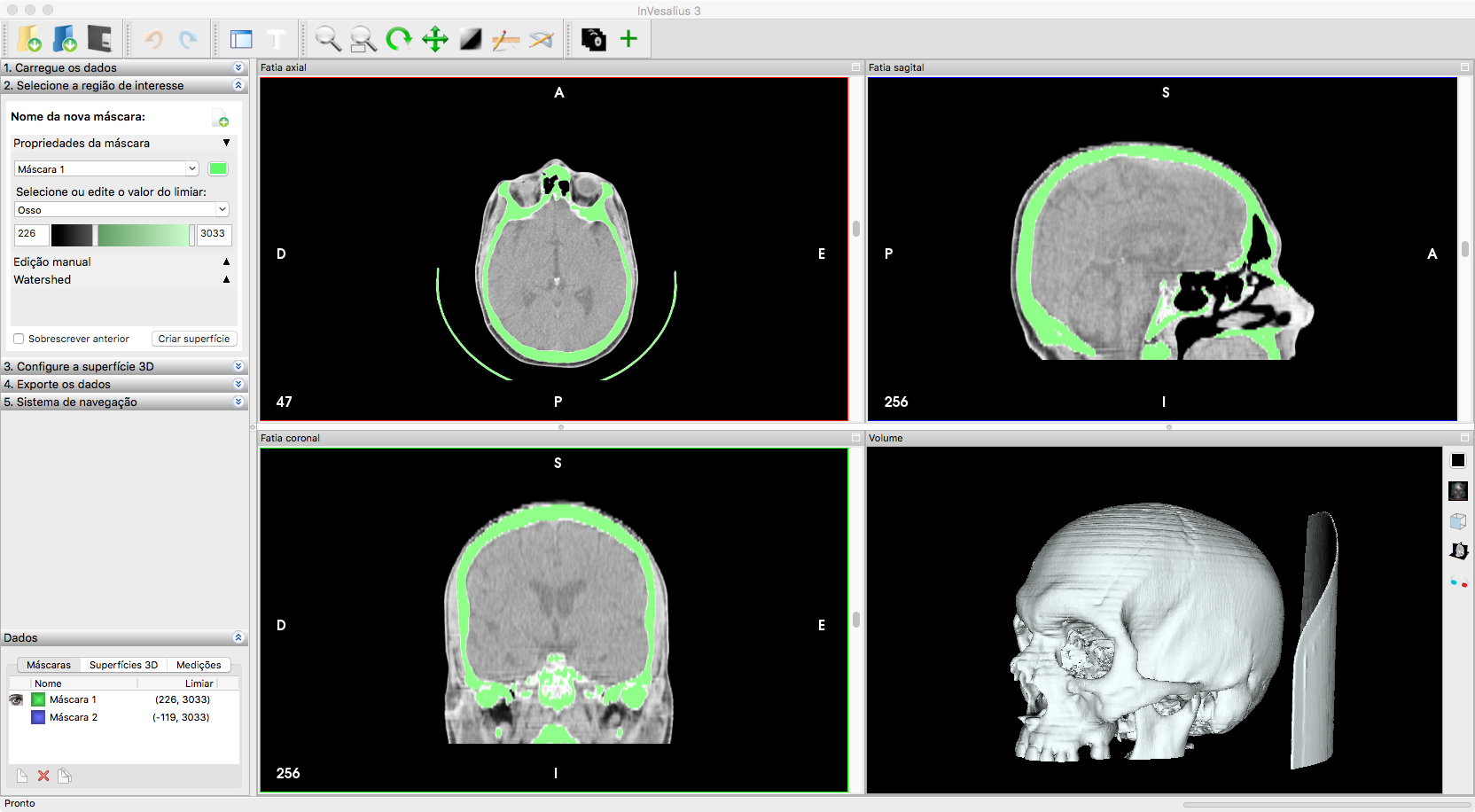
InVesalius 3 (invesalius/invesalius3 .stl, .obj, and .ply formats.
Project Goals
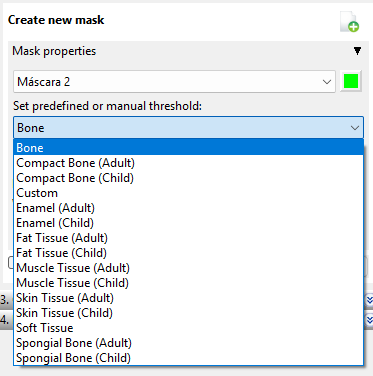
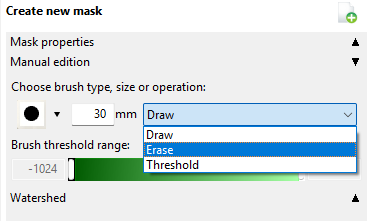
The standard workflow in InVesalius 3 is creating/manipulating masks and transforming them into surfaces. Different tools to edit these masks already exist, whether it is manually or by automatically thresholding certain intensity values (see Figure 2).
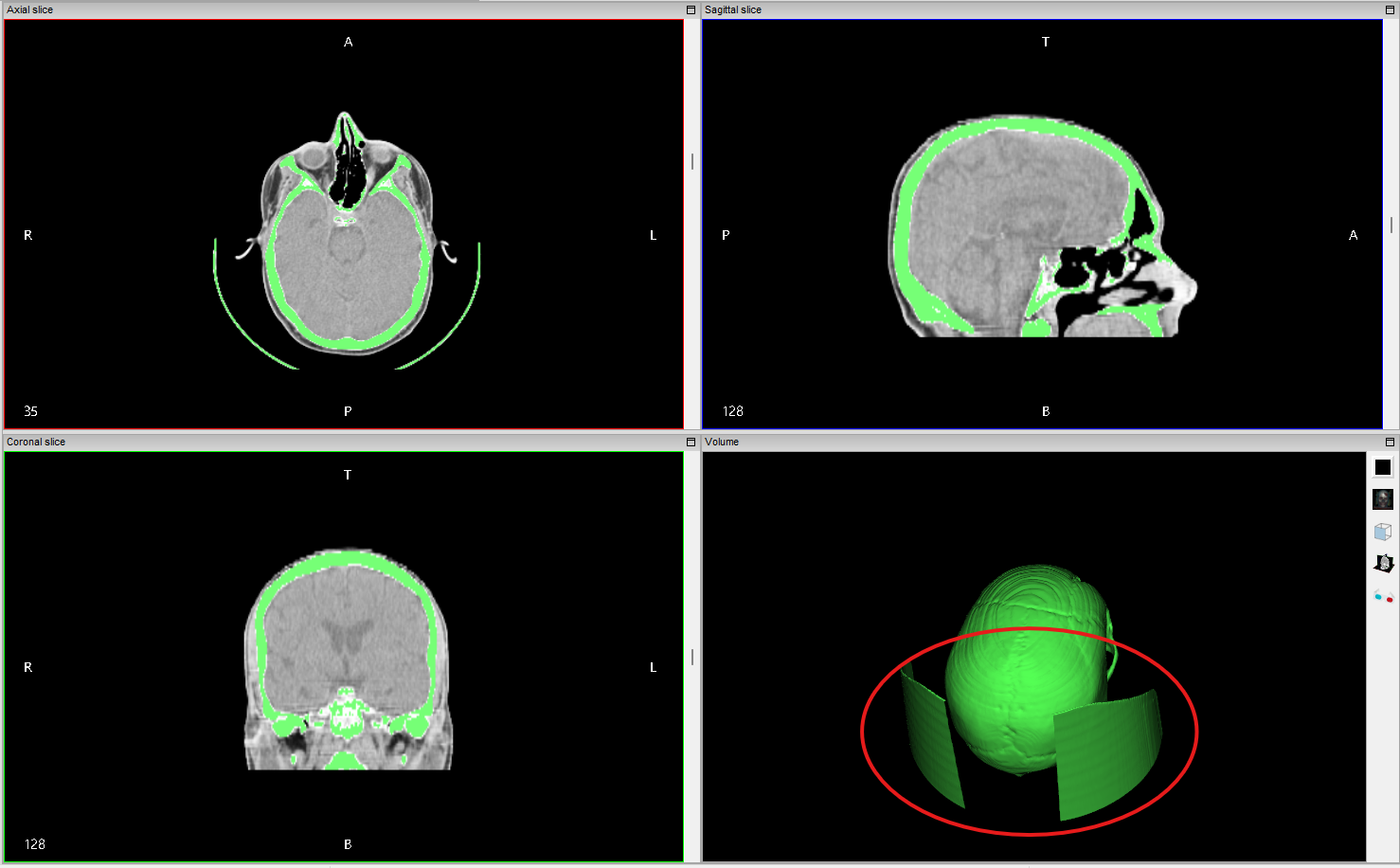
However, these tools are limited to 2D slices, which can be tedious and time-consuming. The project goal was to implement 3D mask edition tools to allow users to edit masks directly in the 3D view, making the process more intuitive and efficient. A typical use case is removing unwanted structures with similar intensity values as the target structure (see Figure 3).
What Was Implemented
A halfway through solution for this project was proposed in GSOC 2024, but the PR was never merged. The current implementation continues from this unmerged PR. The exact code can be found here (merged 01/09/2025)
Core 3D Mask Editing System
- Interactive 3D Polygon Selection: Users can draw polygons directly on the 3D volume renderer to define regions for mask editing (keep/exclude inside polygon). The polygons are drawn in the screen space and projected into the 3D volume based on the current camera view.
- Real-Time Visualization: The current implementation provides immediate visual feedback of the masked volume as the polygons are modified and ajusted.
- Custom Cython Extension: Optimized Cython code for high-performance that computes the volumetric projection of the polygons.
User Interface
- VTK Style Integration: The 3D editing mode is integrated into the existing VTK-based interaction system. The style is automatically updated when checking the checkbox for 3D manual editing. This was extensively refactored to ensure camera-aware polygon projection and for the style to be better integrated with the application state overall, for example:
- Drawing polygons and then deleting them with the “Clear polygons” button will restore the mask to its original state.
- The style is now camera-aware, meaning that if the user rotates the 3D view, the polygons will be reprojected correctly.
- The polygon drawing has keyboard shortcuts that are very similar to other “polygon-drawing” tools in the application, such as the “Measure” tool.
Bonus implementation
During the above implementation process, I also contributed to a debugging tool for the InVesalius 3 application. We are talking about a wx-based GUI application here and it can be tricky to debug when you are not in the correct context or state of the application (for example, a few buttons and dropbdown menus must be clicked before entering the VTK style for 3D mask edition). Luckily, wxPython provides a shell tool that can be opened as a separate panel inside the application itself and that has access to the entire application state.
The complete implementation can be found in this merged PR